Rob Run Radar and ESP: Role Filters, Warnings and Off-Screen Indicators
Compare Rob Run radar orientation, role filters, nearby-player warnings and off-screen indicators in Raven, Disconnect and Matrix at NFAccount.
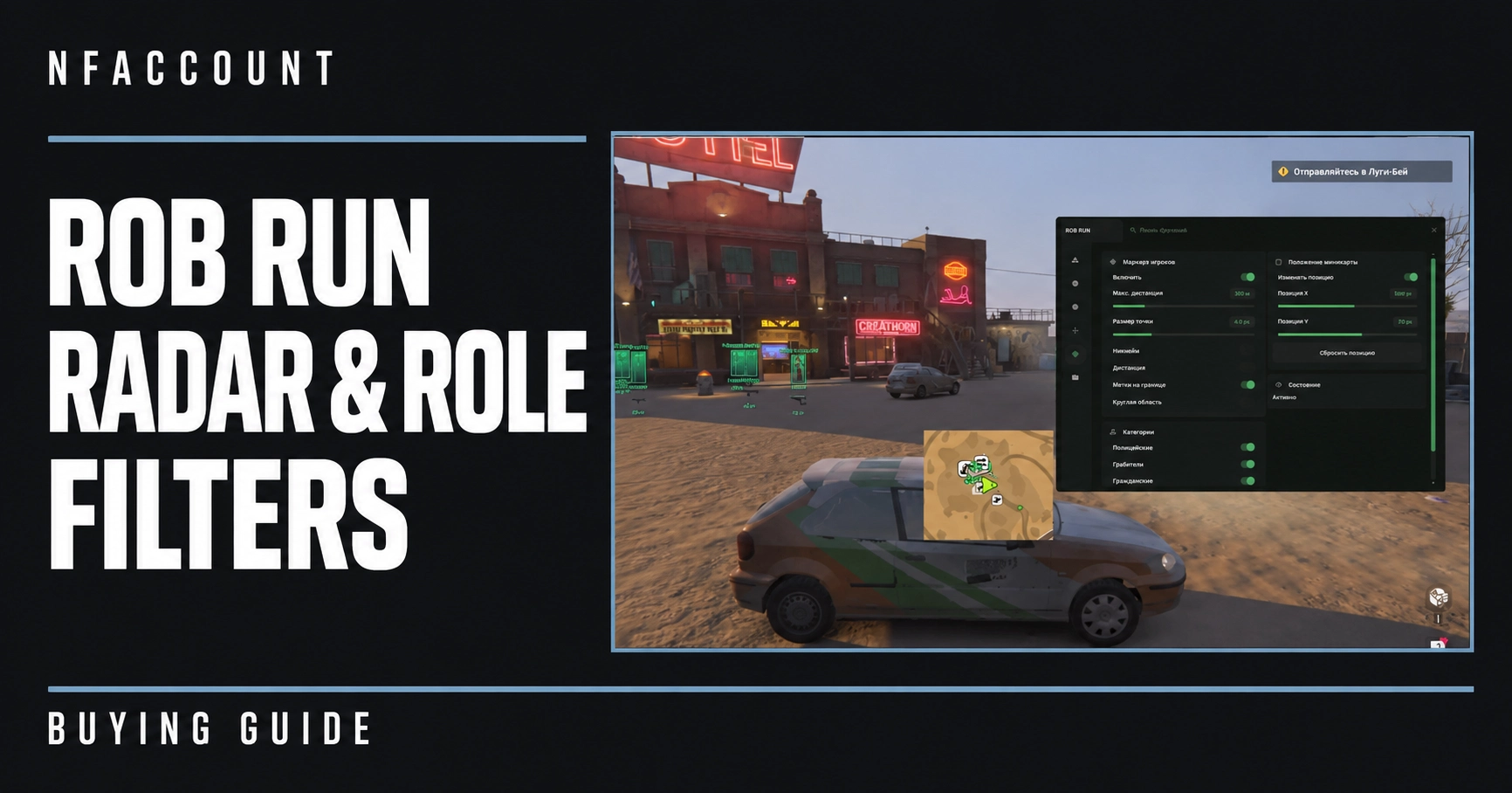
A radar, an off-screen arrow and a nearby-player warning are different ways of presenting information. Rob Run products can list several of them without offering identical controls. Raven, Disconnect and Matrix provide useful examples of how to compare those details.
Raven: radar presentation and awareness indicators
Raven Rob Run External lists radar range, size, opacity, background, north-up mode, rings and world markers. Those options describe both the area represented and how the radar is displayed. Its nearby-player warnings have distance and faction filters, while look-at-you indicators are named as a separate feature.
Raven’s player ESP includes faction labels, health and armor bars, downed indicators, visibility checks and faction colors. Full, corner and filled boxes have opacity controls, with skeletons, head markers, names and distance also listed. These on-screen details should be assessed separately from the radar settings.
Disconnect: radar and directional arrows
Disconnect Rob Run External lists role and team filters, range visualization, orientation lock, marker size, movable radar and background opacity. Its off-screen arrows have role colors and adjustable size and radius. An arrow indicates direction outside the current view, while radar presents markers within its own layout; the presence of one does not establish the other.
Per-role player settings, colors and render distance are also described. Compare those controls with radar filtering rather than assuming one role switch applies to every visual category in the same way.
Matrix: role information and edge markers
Matrix Rob Run Internal describes customizable radar with role filters, player names, distance and edge markers. Its player and NPC visuals include roles and clan tags, with teammate and visibility filters. Saved profiles cover visual, radar and aim settings, allowing configuration support to be assessed as a separate feature.
Orientation, filtering and readability
North-up mode and orientation lock are published terms in different listings. Check the product’s own guide for how its option behaves; similar names should not be treated as proof of identical implementation. Marker size, opacity, distance limits and role colors are more concrete controls to compare when reviewing readability.
- Distinguish radar range from the maximum distance of player ESP.
- Check whether role or faction filters are explicitly listed for the feature you want.
- Separate nearby-player warnings, off-screen arrows and edge markers.
- Review saved-profile support independently from the visual categories.
Use the featured product pages for the complete current descriptions and requirements. For item and container information, see the Rob Run loot ESP comparison; for edition requirements, see Matrix Internal vs Mason External.
Published at Nov 15, 2026