Matrix vs Mason Rob Run Cheats: Internal and External Features
Compare Matrix Internal and Mason External Rob Run cheats: player ESP, loot visuals, radar, profiles and Windows requirements at NFAccount.
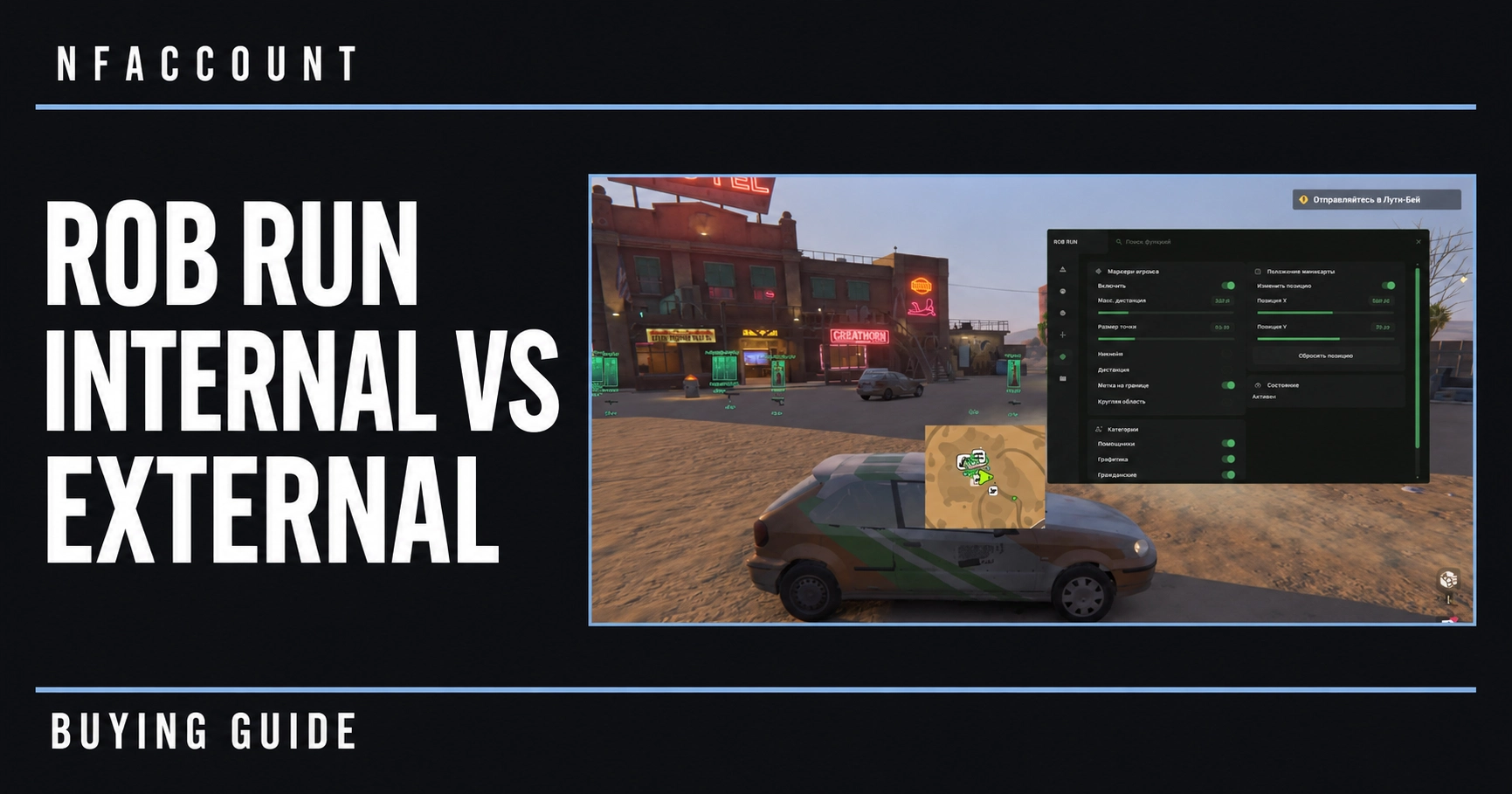
Choosing between Matrix Rob Run Internal and Mason Rob Run External starts with the actual feature lists and Windows requirements. Both NFAccount listings describe extensive player and world ESP, radar and saved configurations. The clearest published difference to check first is the supported Windows version.
Matrix Internal and Mason External: the Windows difference
Matrix Rob Run Internal lists Windows 10 and Windows 11 for Rob Run on Steam. Mason Rob Run External lists Windows 11 only. A customer using Windows 10 should therefore check that requirement before comparing individual menu options or access periods.
The internal and external labels identify different product editions. They do not, by themselves, establish a performance advantage, a different detection outcome or identical setup instructions. Use the guide supplied with the exact edition you purchase.
Player ESP and role information
Both published descriptions name player and NPC boxes, skeletons, names, roles, clan tags, held items and distance. Role, teammate and visibility filters appear with adjustable ranges, colors and chams. This is more detailed than a basic box-only ESP description: character classification and display controls are separate parts of the feature set.
For a useful comparison, separate the information you want to read from the way it is drawn. A role label identifies a category, while a visibility color or distance limit controls the presentation. Check both when assessing how a listing could fit your preferred screen layout.
Vehicles, cameras and loot
The two listings describe vehicle and camera ESP with driver, speed, camera status and viewing-area indicators. Loot, cash, cargo and containers are listed with category filters, rarity colors and sell prices. Their customizable radar includes role filters, player names, distance and edge markers.
These are distinct information groups. Vehicle speed is not a loot-value field, and camera status is not the same feature as a player marker. Read the categories individually instead of treating world ESP as a single universal capability.
Aim controls and saved profiles
Published controls include target selection, hitbox filters, smoothing, motion prediction, field of view, target locking and ADS options. Recoil and sway controls have separate profiles by weapon type. Battle Mode, custom keybinds and saved visual, radar and aim configurations are also listed.
Which edition should you compare first?
- Start with your Windows version and the Steam game requirement.
- Compare the precise visual fields and profile options on each product page.
- Choose from the currently displayed access periods; plans and stock can change.
- Use the matching setup guide and ask NFAccount support about any unclear requirement.
For a closer look at item information, read our Rob Run loot and world ESP guide. For the wider catalog, see the Rob Run product comparison.
Published at Nov 15, 2026