Roblox Tools: Wave Executor vs DX9WARE Features
Compare Wave Executor Windows and DX9WARE Roblox scripting, ESP, configuration and access options. Review published features and compatibility at NFAccount.
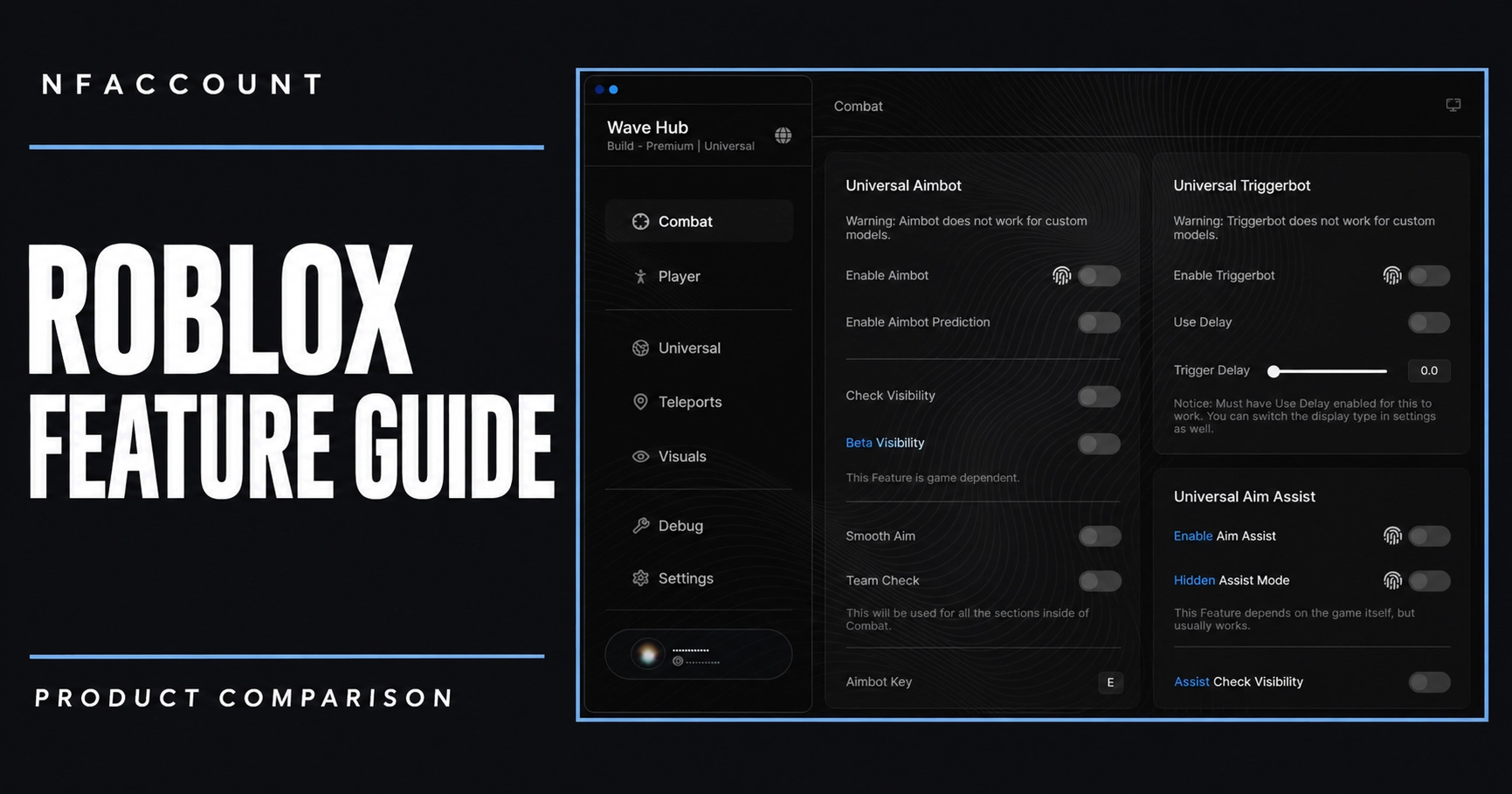
Wave Executor Windows and DX9WARE Roblox are different types of listings. A useful comparison separates the scripting workspace from the visual and configuration features described for each product, then checks the access period.
Compare the listed products
Wave Executor Windows
Wave Executor Windows lists a Luau scripting editor, tabs, output tools and multi-client support. Its description also names AI assistance, a decompiler and Drawing API support. The Windows listing offers a 30-day access period. Those editor and scripting features should be reviewed as a workspace, rather than treated as the same product category as a player-visual menu.
DX9WARE Roblox
DX9WARE Roblox lists ESP and aim settings, including player names, health, skeletons, chams and team filters. Game Explorer, Lua, movement-related options and configurations are also described. The catalog listing is a lifetime option. Compare the scope of the published visual features and scripting tools separately from the duration of access.
Check the supported experience and access period
Roblox experiences can have different characters and behavior. A product’s general feature list should not be interpreted as identical support across every experience. Review the current description, supported environment and exact plan before comparing a 30-day listing with a lifetime listing.
Before choosing a plan
- Open the linked product page for the current feature list, access periods and availability.
- Match your Windows version, processor and game edition to that product’s requirements.
- Check the supplied setup guide and contact NFAccount support if a compatibility detail is unclear.
Does lifetime describe the same thing as feature coverage?
Lifetime is an access option in the DX9WARE listing. It does not establish compatibility with every Roblox experience or make its tools identical to Wave’s editor.
Browse the featured products below to compare current plans, or read the ESP, radar and feature comparison guide for a broader explanation of common visual categories.
Published at Nov 14, 2026