Rob Run Cheats: Compare ESP, Controller Options and Radar
Compare Akuma, Raven, Arcane, Toshi and Krush Rob Run listings by player ESP, loot information, radar, controller options and available license plans.
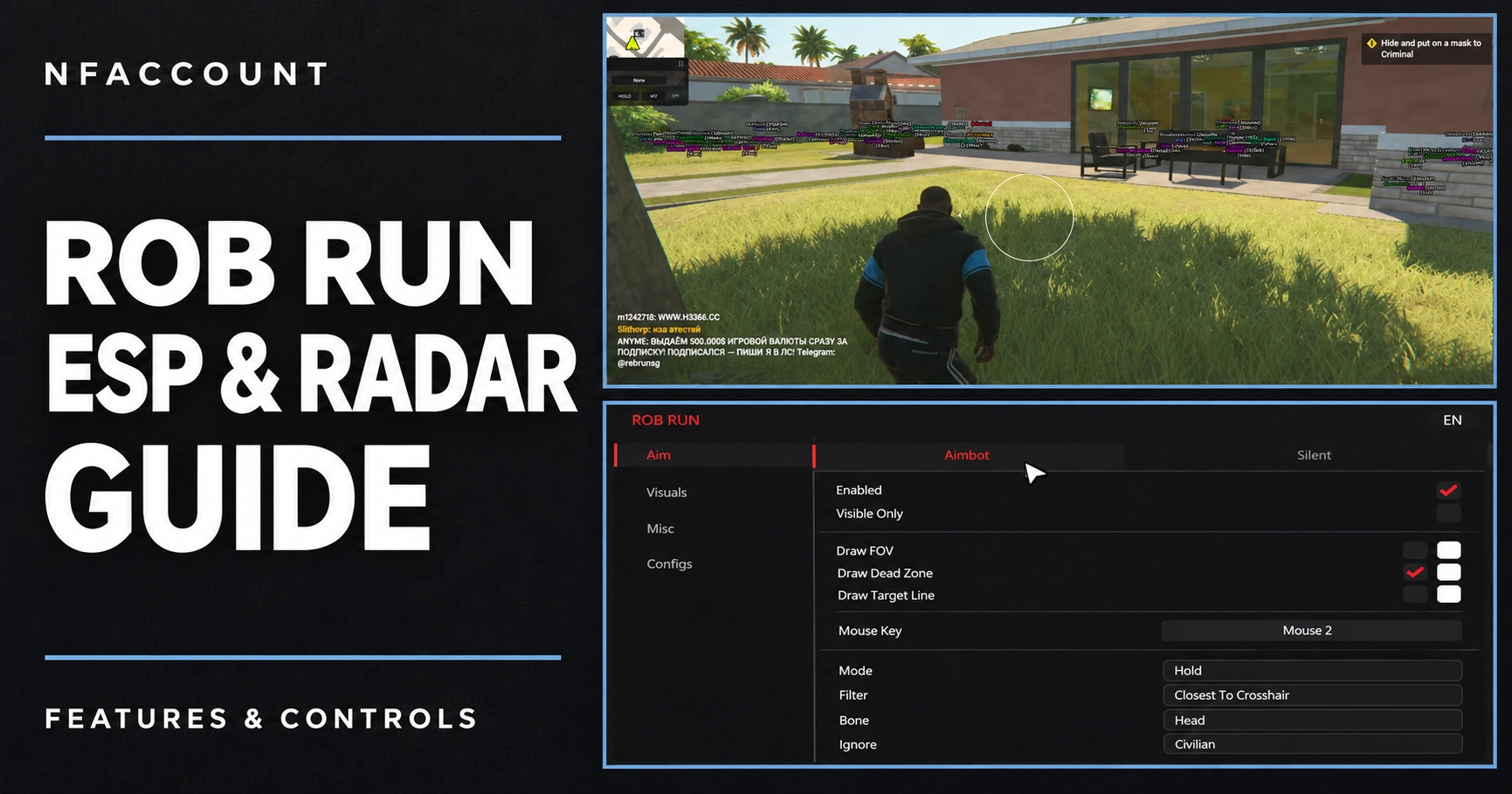
The Rob Run catalog includes Akuma, Raven, Arcane, Toshi and Krush listings. They share some broad feature categories, but the details differ: player roles, health and armor, loot values, vehicle information, radar controls and input options. Compare the named edition rather than treating all Rob Run software as the same product.
Compare the published feature sets
Product | Highlights from the listing |
|---|---|
Native controller binds, player roles, held items, vehicles, loot, cash and container information. | |
Player health and armor, faction colors, radar controls, nearby-player warnings and look-at-you indicators. | |
Separate player, NPC, vehicle, camera and loot overlays; weapon profiles and off-screen indicators. | |
Player role, armor, health and equipment overlays; loot-value filters, vehicles and saved aim profiles. | |
Internal edition with player roles, team filters, cash, cargo, vehicles and saved configurations. |
Choose which world information matters
Rob Run world visuals can cover more than players. Compare vehicles, cameras, containers, cash and cargo as separate categories. If a particular category matters to you, look for it in the selected product’s written feature list. The existence of a general “world ESP” heading does not establish every marker or status field.
Loot categories and loot-value filters are also distinct. Akuma lists loot names, categories and rarity, as well as cash amounts. Toshi lists loot-value filters. Those descriptions identify different information and controls to review in the product screenshots.
Look closely at radar and awareness controls
Radar settings can change the presentation significantly. Raven’s listing describes range, size, opacity, north-up mode, rings and world markers. It also lists nearby-player warnings with distance and faction filters. Other products may provide radar without the same set of configuration options.
Separate those interface details from player ESP. Health, armor, faction, held-item and downed-player indicators are individual features. Make a short checklist and compare each shortlisted edition against it.
Match input requirements and access plans
Controller support should be checked explicitly. Akuma’s Rob Run listing names native controller binds; that statement should not be extended automatically to the other products. Match the exact Windows and hardware requirements and ask support about anything missing.
The available durations are shown in each live product picker. Some listings include lifetime access while others have shorter plans only. Compare matching durations, confirm the selected variant and currency, then review the final price before checkout.
Use your product-specific guide
The completed order page provides the delivery details for your purchase. Keep that guide with the product name and order reference. Another provider’s Rob Run guide can describe a different edition, so use the instructions attached to your own order.
Open the Rob Run group in the catalog to compare current listings. The status page and NFAccount support can help resolve an unclear requirement before you choose.
Published at Nov 12, 2026