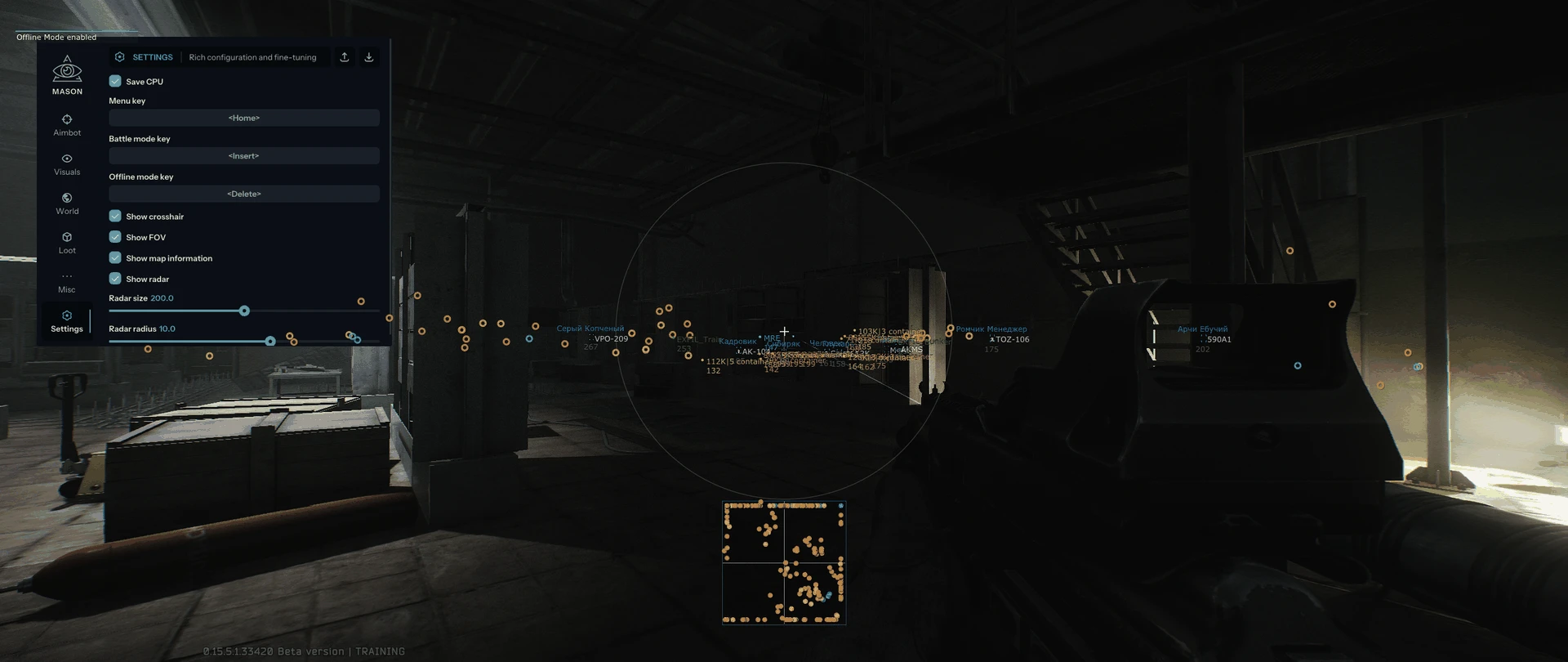
Mason EFT
- Supported game version: Steam / Battlestate Games Launcher.
- Supported game mode: Fullscreen in window.
- Supported Windows OS: 10&11 x64, versions (2004 / 20H2 / 21H1 / 21H2 / 22H2 / 23H2 / 24H2 / 25H2).
- How to check Windows version: press Win + R, type winver and press Enter, or open Settings → System → About.
- Supported anti-cheats: BattlEye.
- Supported processors: Intel and AMD.
- Video or screenshot invisibility support: Yes.
- BIOS boot mode: UEFI. System disk boot record format: GPT.
- How to check boot format: open Disk Management (Win + X → Disk Management), find the system disk, right-click → Properties → Volumes. In the "Partition style" line, it should say "GPT" for UEFI.
- Additional Windows system requirements: Enable VT-x / VT-d (Virtualization) / Enable Hyper-V / Disable Secure Boot.
- Built-in HWID Spoofer: Yes (in some cases HWID Spoofer may not work, so its operation is optional and not 100% guaranteed).
- Program Features
- AIMBOT (automatic aiming)
- Aim enable / Enable aimbot
- Aim spot / Select body part for aimbot targeting
- Aim key / Set key for aimbot activation, selected key must be held down
- Aim radius / Set aimbot working radius
- Aim height / Adjust aimbot aiming height
- Silent aim / Enable silent aimbot
- Manipulate left & right / Allows to shift firing point, for example behind a wall, to kill without exposing yourself to the enemy
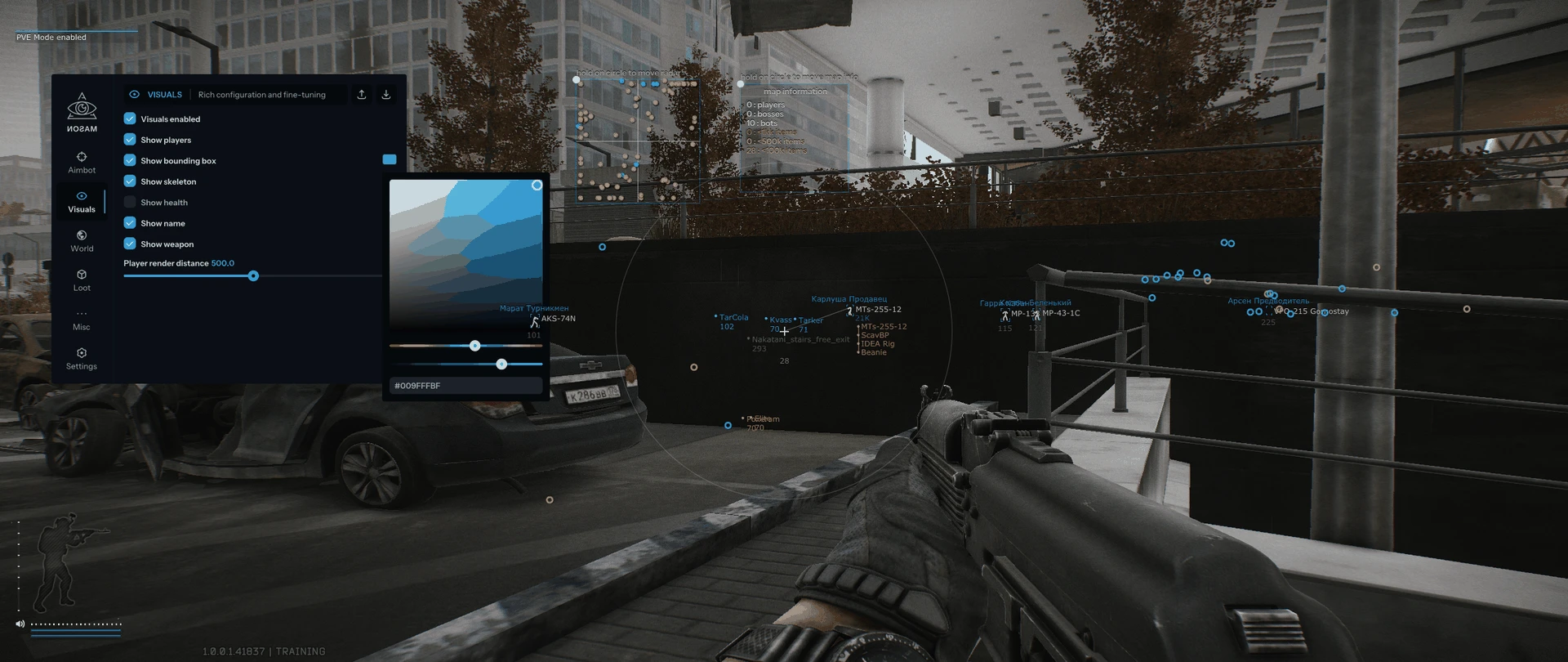
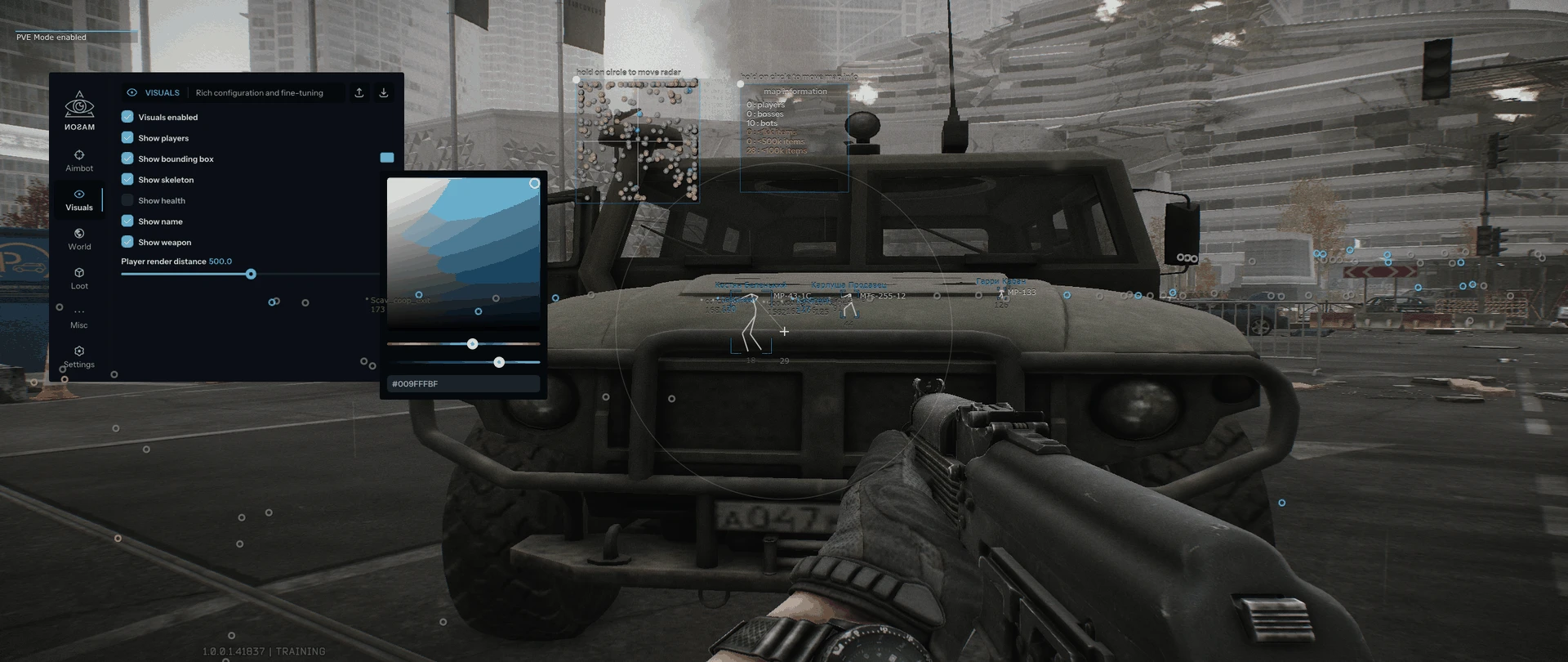
- VISUALS (visualization)
- Visuals enable / Enable visual functions
- Show players / Display players
- Show bounding box / Display 2D squares
- Show skeleton / Display skeleton
- Show health / Display health level
- Show name / Display names
- Show weapon / Display weapon
- Player render distance / Set player display distance
- WORLD (world)
- Show mines / Display mines
- Show grenades / Display grenades
- Show extractions / Display extraction points
- Show ammo indicator / Display ammunition indicator
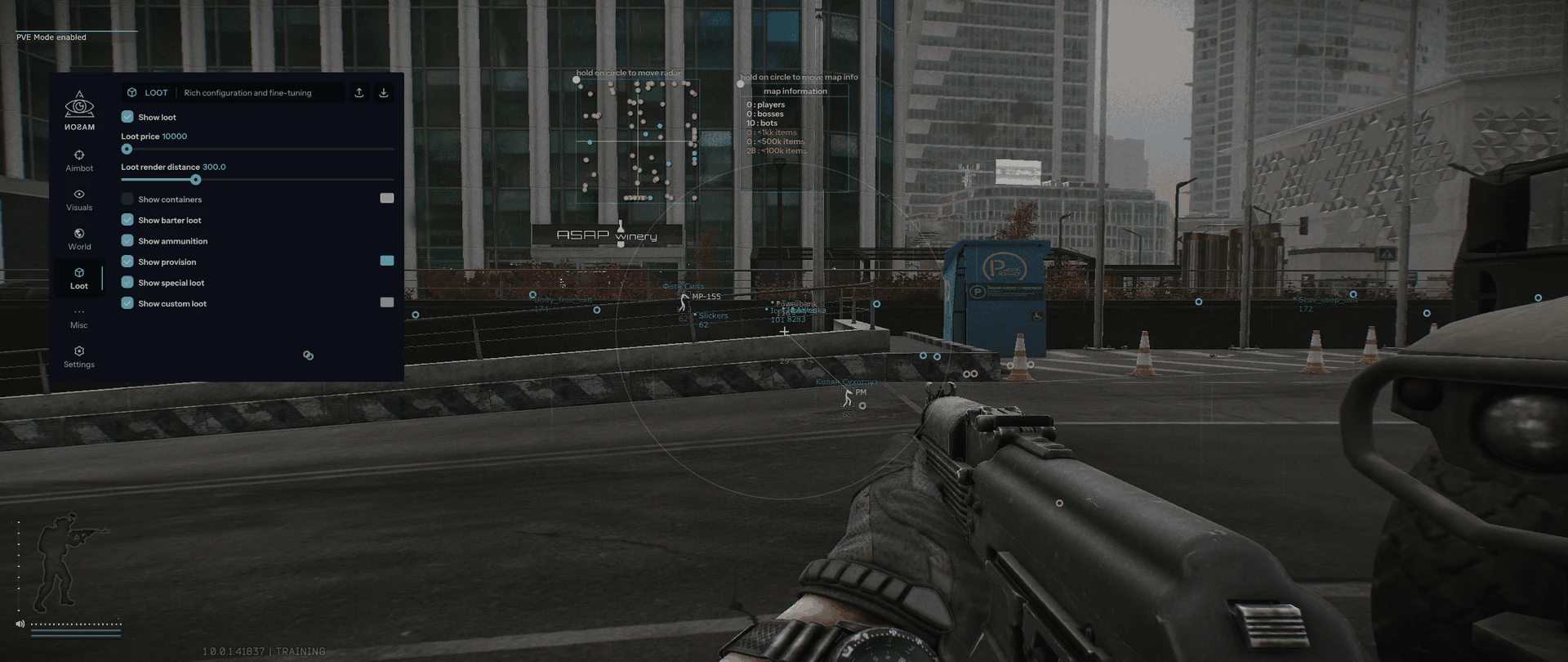
- LOOT ESP (loot ESP)
- Show loot / Display items
- Loot price / Set price of displayed items
- Loot render distance / Set item display distance
- Show containers / Display containers
- Show barter loot / Display barter items
- Show ammunition / Display ammunition
- Show provision / Display provisions
- Show special loot / Display special loot, configured in custom item filter
- Show custom loot / Display custom items, custom item filter
- AIMBOT (automatic aiming)
NFA / PRODUCT GUIDE
Mason EFT: Features, Plans and Support
Use this NFA guide to compare the listing's features, system requirements and access options. Mason EFT has its own product description; the features and delivery instructions for another listing should not be assumed to apply.
Read the exact feature list
NFA's software catalog includes different games, providers and tool types. Read this product's feature description and screenshots to see what is listed for the current item. Visual options, aim settings, resource information and configuration controls vary between products. A product name alone does not establish that every feature found elsewhere is included.
Compare the system requirements
Check the supported operating system, processor, display mode and any USB or other prerequisites. Product-specific instructions take priority over assumptions from an older Rust, CS2 or other game listing. If a requirement is unclear, ask NFA before ordering so that you can confirm whether the published setup matches your computer.
Daily, weekly and monthly access
Available plans are shown in the variant picker. Some products use different periods or offer additional options; only the variants listed on this page are available for this purchase. Compare the full price for your chosen duration and review any activation or access conditions. Check the final checkout total and selected variant before payment.
Product status and updates
Review the current product status before buying and use the NFA status page to compare listings. A status label is a published product update, not a guarantee of future compatibility or freedom from restrictions. Game updates can affect availability. Contact support for clarification if the current information does not answer your question.
Delivery and support
After payment, consult the order page and delivery email for the key or instructions supplied with your purchase. Follow the guide for this exact product and plan. Keep your order reference when requesting help through NFA's support link, and do not post delivered keys, account details or payment information publicly.
Mason EFT — purchasing FAQ
Does every NFA software product include the same features?
No. Read the description of the selected product. Features differ between games, providers and tool types.
Where can I see current plans and access periods?
Use the variant picker on this page for the durations, prices and availability currently offered.
Is a product status label a permanent guarantee?
No. It describes the published current status. Compatibility and availability can change after updates.
How do I receive the product after payment?
Check the completed order page and order email for the delivered key, access information and product-specific instructions.
Where can I get help with my order?
Use NFA's support link with your order reference and product name. Keep delivered keys and account details private.