Ancient Dead by Daylight External
UNDETECTEDGeneral Information
- Game: Dead by Daylight
- Access options: 1 Day / 7 Days / 30 Days
- Delivery: Automatic license key
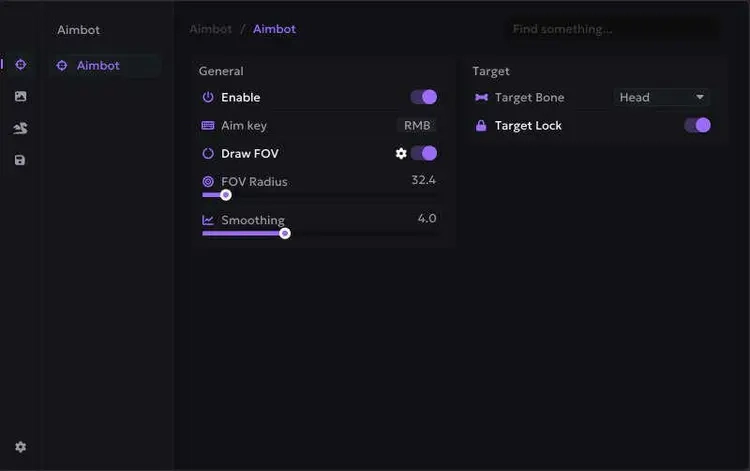
Aimbot
- Aim key, FOV display, smoothing and target lock
- Head, neck, body and groin targeting
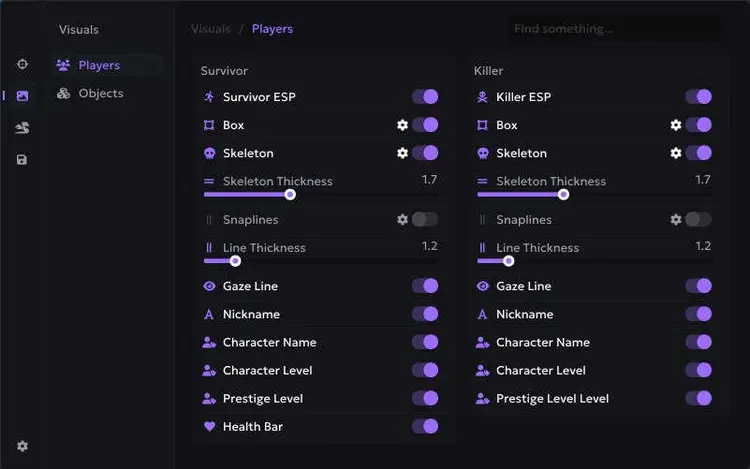
Survivor & Killer ESP
- 2D / corner boxes, skeletons and snaplines
- Gaze direction, nicknames and character names
- Character / prestige levels and health bars
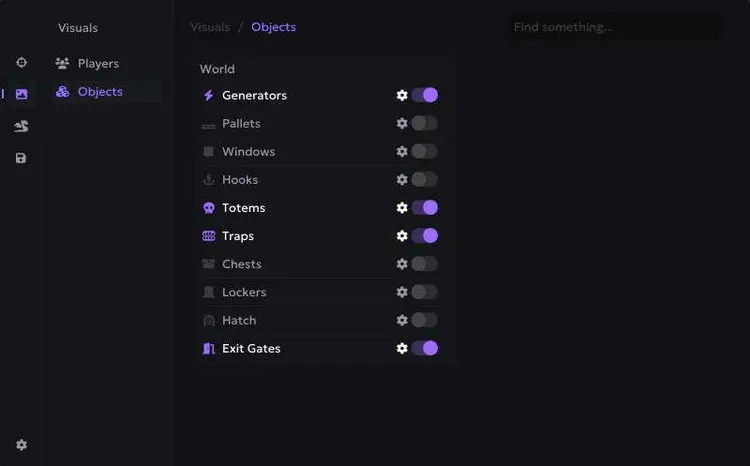
Object ESP
- Generators, pallets, windows, hooks and totems
- Traps, chests, lockers, hatch and exit gates
Additional Tools
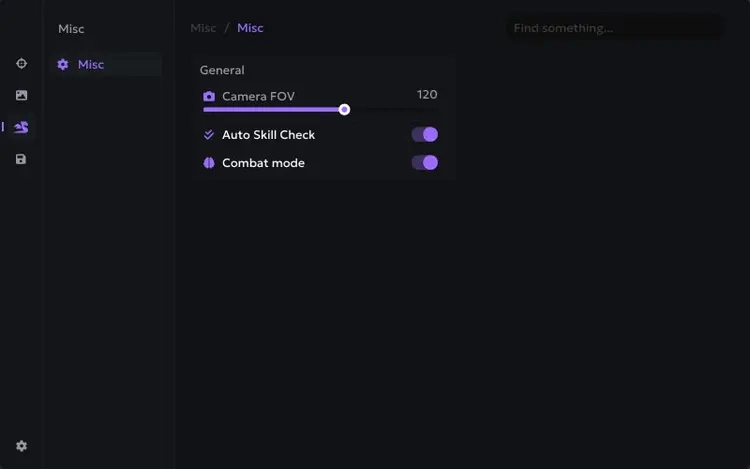
- Camera FOV, auto skill checks and combat modeRequirements
- Operating system: Windows 10 / Windows 11 — check the setup guide for exact builds
- Processor: Intel / AMD
- See Setup Guide for launch order and product-specific requirements
- 16 GB RAM; compatible overlay software required
Ancient Dead by Daylight External — Setup Guide
Read your product-specific NFAccount guide before starting the loader.
Open the Ancient Dead by Daylight External setup guide on Telegra.ph
NFACCOUNT / PRODUCT DETAILS
Ancient Dead by Daylight External: Features and access plans
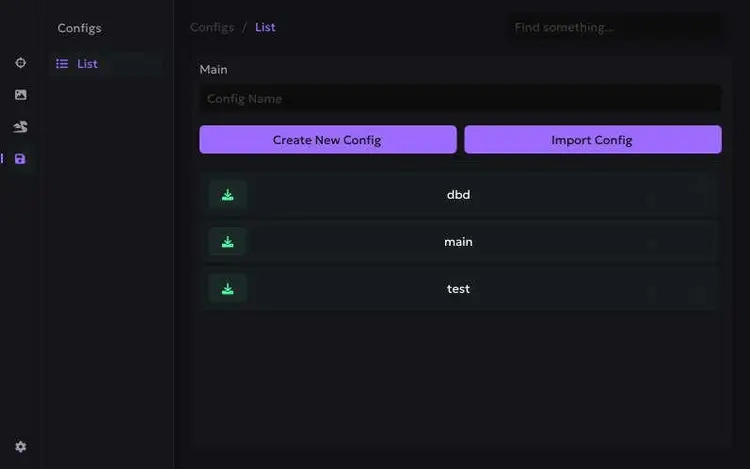
Ancient Dead by Daylight External brings together DBD player ESP, object markers and profiles. Compare the highlighted controls below with the full feature list above to see which settings belong to this edition. The product screenshots show its interface and visual options; the written listing identifies the features included.
Product highlights
- Survivor and killer boxes, skeletons and health
- Character and prestige levels
- Generator, hatch, trap and exit-gate markers
The full feature list and screenshots describe this edition. Compare its display options, input controls and system requirements with the other products for the same game. Features and support may differ even when the provider name is the same.
Available access plans
- 1 Day
- 7 Days
- 30 Days
Use the purchase options above for current prices and availability. Compare the selected duration or tier, currency and quantity before checkout. A starting price refers to a particular option, so compare matching plans.
Delivery and product support
After payment, the completed order page contains the delivery details for your purchase. Follow the guide attached to that product. For help, contact NFAccount with the product name and order reference.