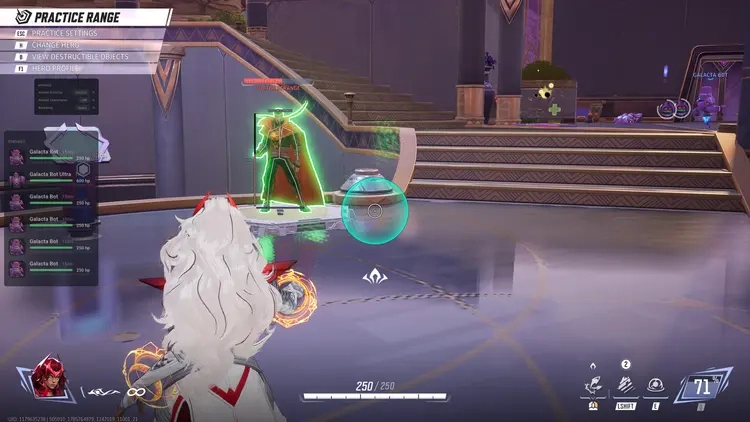
Akuma Marvel Rivals Internal
UNDETECTEDGeneral Information
- Game: Marvel Rivals
- Access options: 1 Day / 7 Days / 30 Days / lifetime
- Delivery: Automatic license key
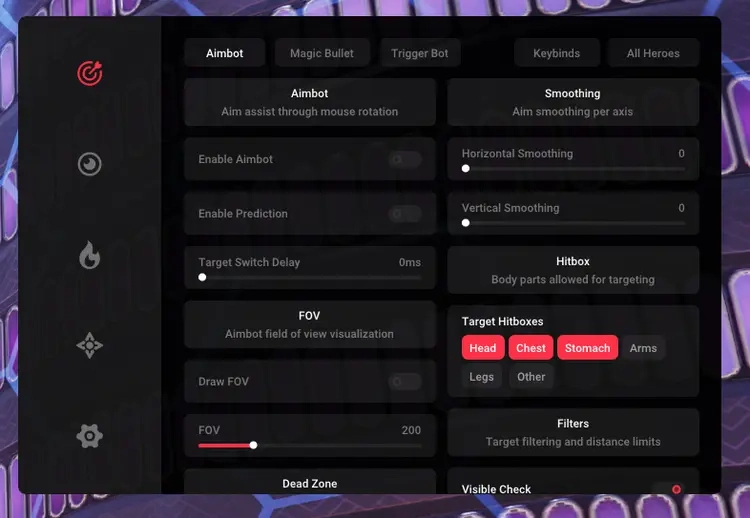
Aim & Trigger Controls
- Prediction, dead zone, FOV and separate X / Y smoothing
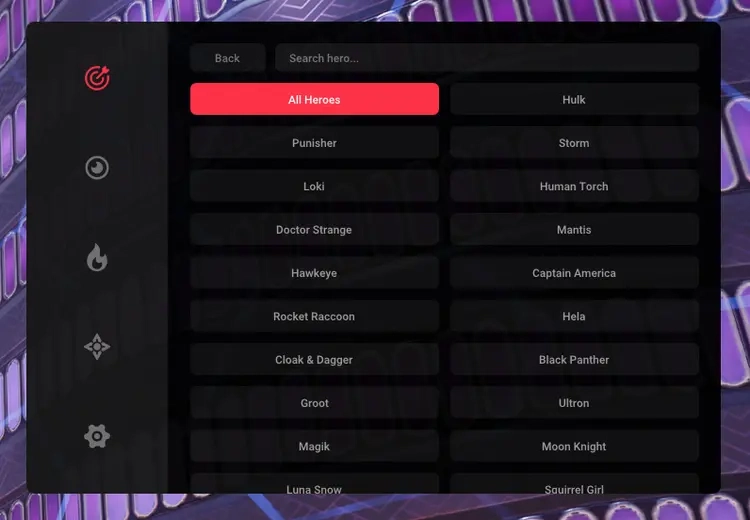
- Per-character aim profiles and hitbox priorities
- Visibility filters and native controller support
- Magic Bullet options and configurable trigger delay
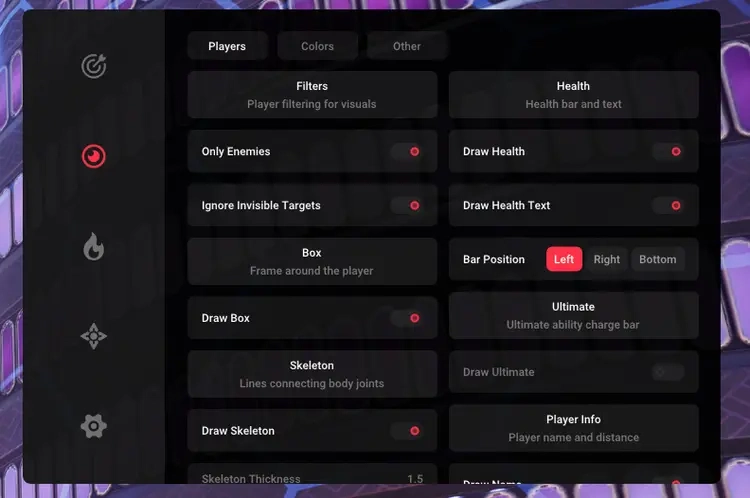
Player Visuals
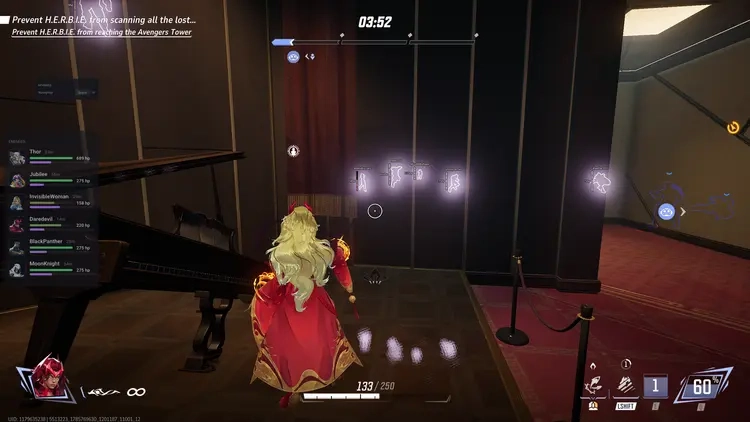
- Boxes, skeletons, names and distance labels
- Health and ultimate bars
- Visible / invisible chams, glow colours and brightness
Customisation
- Hero skin selection and skin search
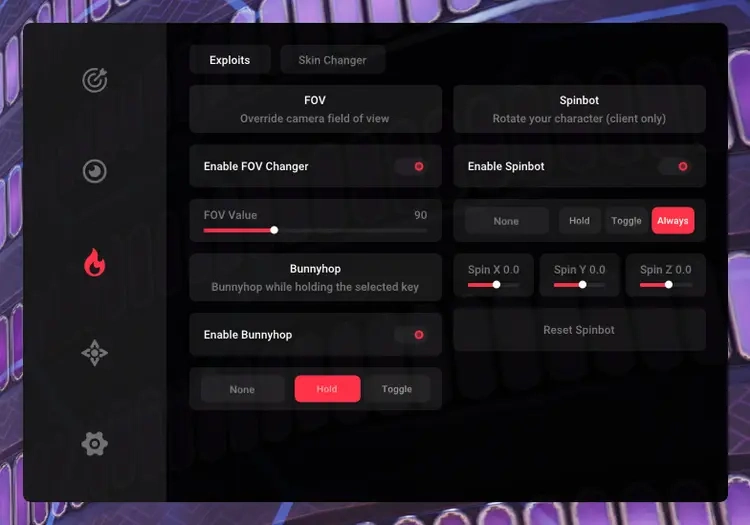
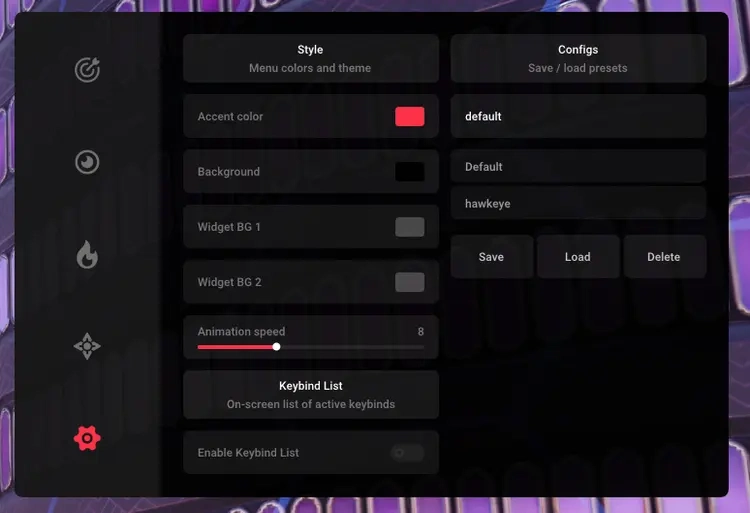
- FOV changer, bunnyhop and menu customisation
- Keybind list and saved configuration profiles
Requirements
- Operating system: Windows 10 / Windows 11 — check the setup guide for exact builds
- Processor: Intel / AMD
- See Setup Guide for launch order and product-specific requirements
Akuma Marvel Rivals Internal — Setup Guide
Install Akuma for Marvel Rivals, initialize it from the lobby, and organize your hero settings.
Open the full NFAccount guide · Download loader · NFAccount support
1. Before the first launch
Use a supported Windows 10 or Windows 11 system with an Intel or AMD processor. This product does not provide an included HWID spoofer.
Check that Visual C++ 2015–2022 x64 and x86 and DirectX are installed. Run Marvel Rivals once to finish its own first-launch setup, then exit the game and close the launcher.
2. Sign in with the delivered key
Get the current Akuma loader from this page and run it as administrator from a local folder.
Enter the key shown with your NFAccount purchase. Keep the game closed until the loader tells you to launch Marvel Rivals and perform the main-menu injection step.
3. Initialize in Marvel Rivals
Launch the game and wait for its main lobby to finish loading. Press F2 when requested by the loader.
Stay in the lobby and wait for initialization to finish. Allow up to 60 seconds before treating a slow response as a failure.
Use INSERT to open or close the menu. Do not confuse this menu key with the F2 initialization key.
4. Create your hero configuration
Review the hero-specific configuration options and choose the profile for the character you intend to use. Check the current controller and keyboard bindings in the interface.
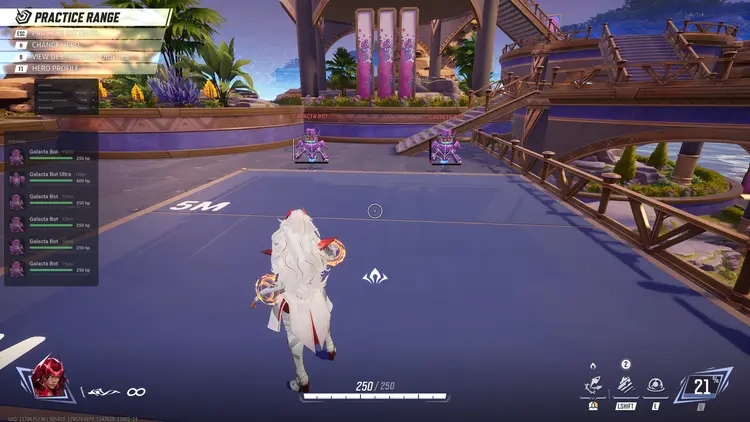
Save the profile after making changes and verify the settings in the practice area before relying on the profile in another session.
5. Resolve a missing menu
Check the loader for completion or an error before repeating initialization. Temporarily close other overlay applications if they conflict with the interface.
Contact NFAccount support with the order ID, Windows version, game launcher, and exact error. Hide the key in any screenshot you share.
NFA / PRODUCT GUIDE
Akuma Marvel Rivals Internal: Features, Plans and Support
Use this NFA guide to compare the listing's features, system requirements and access options. Akuma Marvel Rivals Internal has its own product description; the features and delivery instructions for another listing should not be assumed to apply.
Read the exact feature list
NFA's software catalog includes different games, providers and tool types. Read this product's feature description and screenshots to see what is listed for the current item. Visual options, aim settings, resource information and configuration controls vary between products. A product name alone does not establish that every feature found elsewhere is included.
The internal or external label describes the product type. It does not replace the operating-system, hardware or setup requirements published for this listing.
Compare the system requirements
Check the supported operating system, processor, display mode and any USB or other prerequisites. Product-specific instructions take priority over assumptions from an older Rust, CS2 or other game listing. If a requirement is unclear, ask NFA before ordering so that you can confirm whether the published setup matches your computer.
Daily, weekly and monthly access
Available plans are shown in the variant picker. Some products use different periods or offer additional options; only the variants listed on this page are available for this purchase. Compare the full price for your chosen duration and review any activation or access conditions. Check the final checkout total and selected variant before payment.
Product status and updates
Review the current product status before buying and use the NFA status page to compare listings. A status label is a published product update, not a guarantee of future compatibility or freedom from restrictions. Game updates can affect availability. Contact support for clarification if the current information does not answer your question.
Delivery and support
After payment, consult the order page and delivery email for the key or instructions supplied with your purchase. Follow the guide for this exact product and plan. Keep your order reference when requesting help through NFA's support link, and do not post delivered keys, account details or payment information publicly.
Akuma Marvel Rivals Internal — purchasing FAQ
Does every NFA software product include the same features?
No. Read the description of the selected product. Features differ between games, providers and tool types.
Where can I see current plans and access periods?
Use the variant picker on this page for the durations, prices and availability currently offered.
Is a product status label a permanent guarantee?
No. It describes the published current status. Compatibility and availability can change after updates.
How do I receive the product after payment?
Check the completed order page and order email for the delivered key, access information and product-specific instructions.
Where can I get help with my order?
Use NFA's support link with your order reference and product name. Keep delivered keys and account details private.