Permanent HWID Spoofer Compatibility: Motherboard, LAN and Windows Checklist
Check motherboard model, LAN controller, Windows version and disk type before choosing a permanent HWID spoofer. Compare Ghost and Stealth at NFAccount.
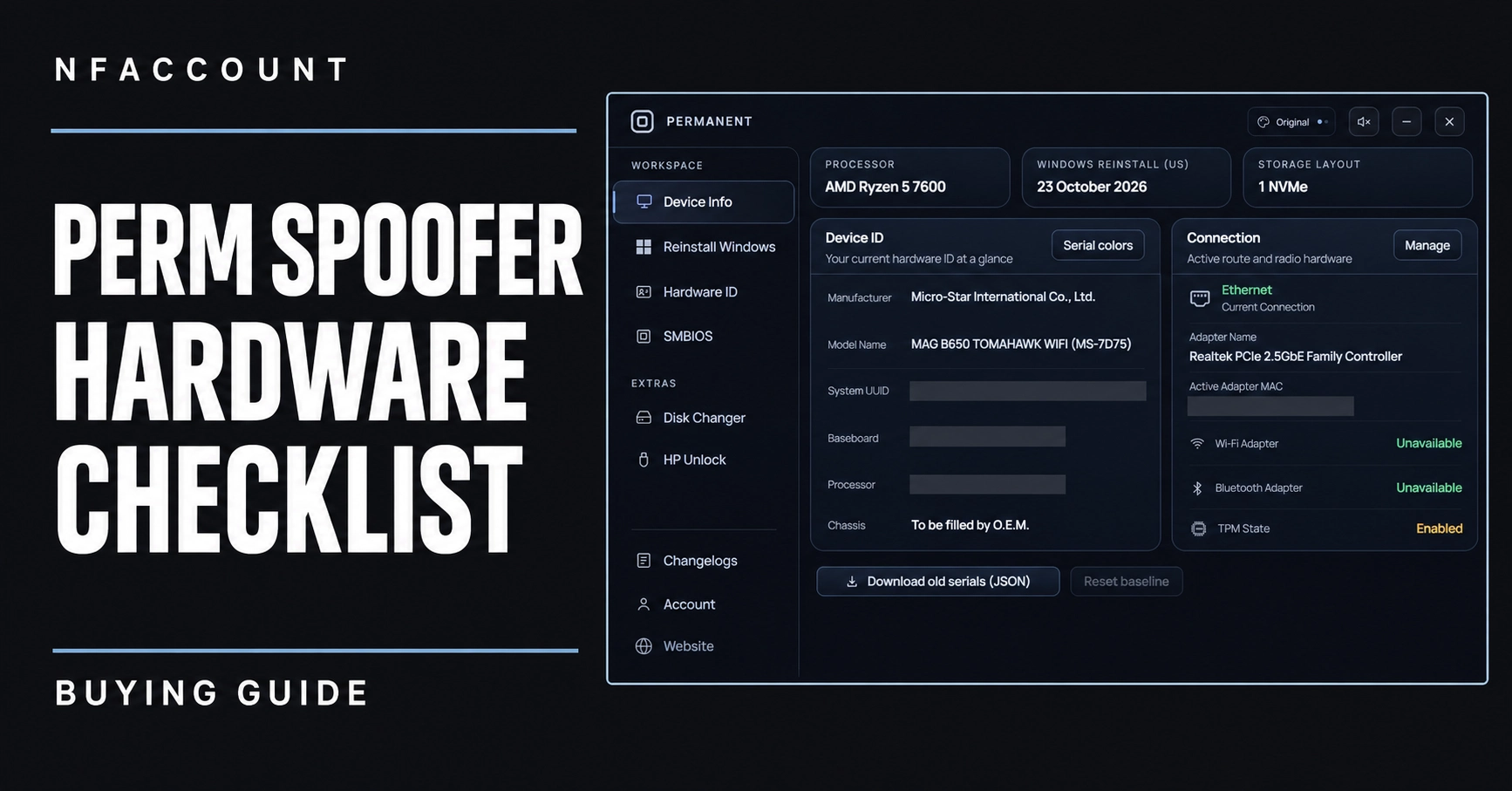
Permanent HWID spoofer compatibility depends on more than the processor brand. Motherboard model, network controller, Windows release and storage type can all appear in a product’s requirements. This checklist explains what to compare in the Ghost and Stealth listings before selecting a plan.
1. Identify the exact motherboard, not only the brand
The Ghost Perm Spoofer listing explicitly excludes HP and Dell motherboards and includes additional ASUS-specific requirements. Those restrictions remain relevant even when the feature section uses broad compatibility wording. A motherboard’s exact model and firmware context provide a clearer support question than simply asking whether a product works with Intel or AMD.
Stealth Perm Spoofer describes a motherboard selector and an SMBIOS fixer for 1,250-plus motherboards, including a reference to locked motherboard components. That is a reason to check its supported-model information, not to assume every board from every manufacturer is covered.
2. Separate Ethernet from Wi-Fi
Ghost lists Realtek and Intel network cards and says that only LAN connections are supported; wireless network cards are excluded. A desktop containing both Ethernet and Wi-Fi therefore has more than one relevant adapter category. Compare the controller associated with the connection you intend to use.
Stealth describes permanent MAC spoofing and lists network adapters and NIC-related features. Its feature wording should be evaluated against your exact adapter rather than used to inherit Ghost’s vendor list or restrictions.
3. Match the Windows release and processor
Stealth names Windows 10 and Windows 11 with Intel and AMD processors. Keep the Windows release and build available when asking about compatibility: a general operating-system label does not, on its own, document every later update. Ghost’s description also names WMIC among its prerequisites and has additional system requirements on its product page.
4. Check storage and reinstall requirements
Stealth’s disk section specifically names NVMe and SATA and describes RAID-free operation. Compare that wording with the storage devices and layout in your machine. The description also states that some games require a reinstall, so that requirement should be considered separately from the spoofer’s permanent label.
Do not infer identical disk features for Ghost merely because both products belong to the permanent spoofer category. Use the product’s own storage and system details.
A useful compatibility enquiry
For a precise answer from NFAccount support, include the product name, motherboard model, processor, Windows version and build, Ethernet or Wi-Fi controller, and storage type. Ask whether that specific combination is supported under the currently available plan.
For the feature comparison, read Ghost vs Stealth Perm Spoofer. For access terms, see the permanent spoofer plan guide. The linked product requirements and supplied instructions remain the reference for the edition you choose.
Published at Nov 15, 2026