Dead by Daylight ESP: Compare Vendex, Exodus, Ancient, Arcane and Krush
Compare Vendex, Exodus, Ancient, Arcane and Krush DBD listings by player ESP, generator information, object markers, skill checks and access plans.
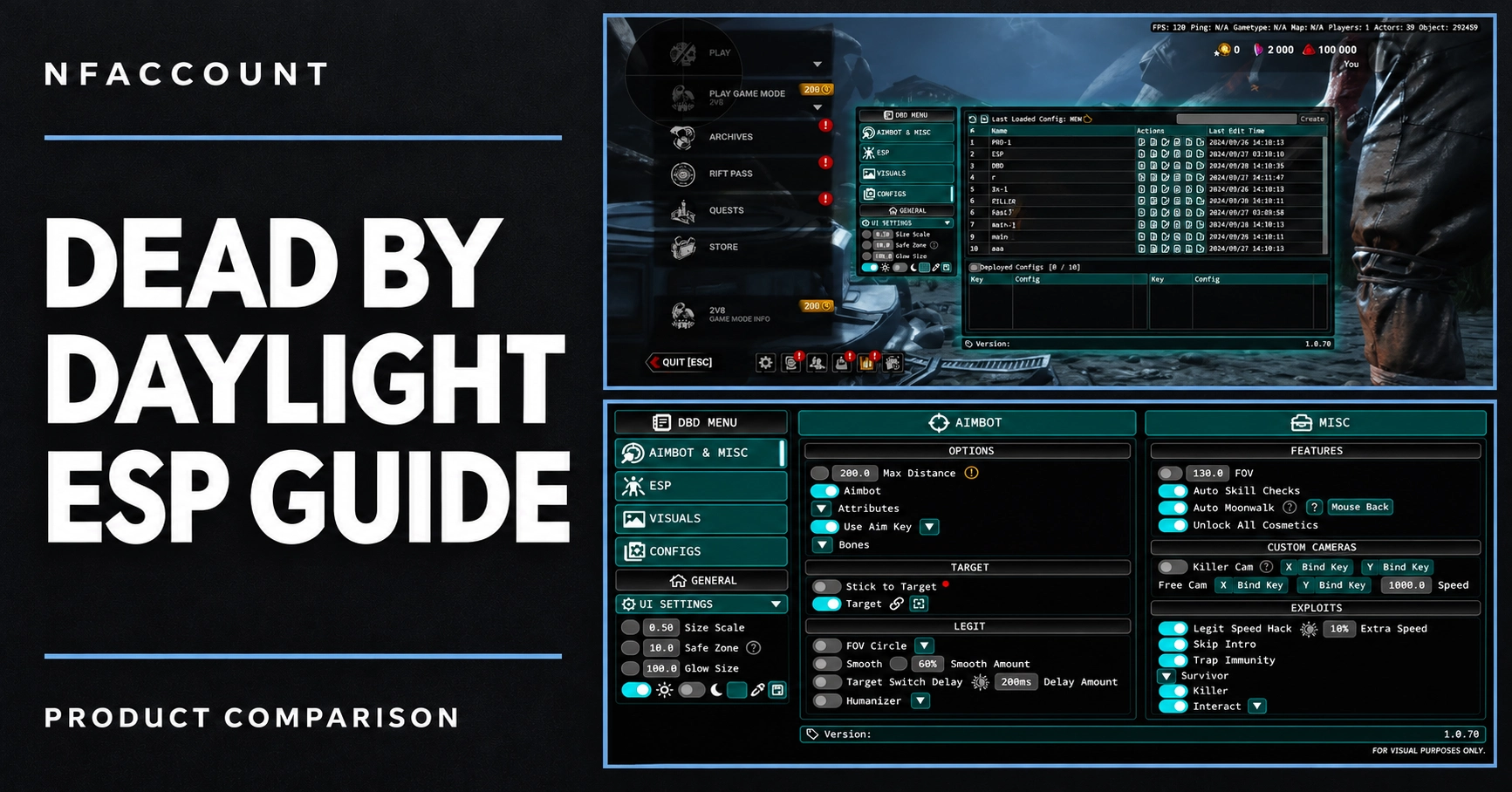
Dead by Daylight listings can include survivor and killer visuals, objective information, skill-check options and configurable interface controls. The details differ by product. This comparison highlights the published features of five named NFAccount listings so you can make a more specific shortlist.
Published feature differences
Product | Features to compare |
|---|---|
Generator status colors, totem perk names, survivor items, killer interactables, radar and compass. | |
Survivor and killer ESP, generator and exit-gate progress, auras and automatic skill-check options. | |
Survivor and killer health bars, character/prestige information, object markers and camera controls. | |
Skillcheck chance settings, auto-wiggle, player health states and objective categories. | |
Separate survivor/killer aura settings, survivor health colors, generator progress and configurable chams. |
Separate player information from objective information
Player information may include skeletons, names, health states, character labels and distance. Objective information includes generators, hooks, pallets, windows, totems, hatch and exit gates. A listing that mentions one category does not necessarily provide the same detail for every other category.
For example, a generator marker and a generator progress display are different features. Vendex’s published details include generator status colors and totem perk names, while Exodus lists generator and exit-gate progress bars. Compare the level of information you need rather than just the number of categories.
Compare the interface and control options
Look at screenshots to compare visual density, menu structure and color settings. Then use the written feature list to check the specific controls: box style, skeleton thickness, distance limit, camera field of view or saved configuration options. These choices can matter when deciding which interface suits your preferences.
Skill-check settings also differ. Arcane lists configurable perfect and good chances plus auto-wiggle; other products describe their own automatic skill-check options. Do not assume identical controls from a shared feature label.
Check edition, limitations and plans
The catalog contains both internal and external product labels. Match the full product name when comparing requirements and guides. Exodus’s published description currently marks its visibility check as temporarily unavailable; that limitation should remain part of a comparison rather than being omitted from the shortlist.
Available access periods vary. Read the current variant picker for the exact listing, match durations before comparing prices, and review the selected currency and checkout total. Screenshots or earlier announcements may not reflect the current options.
Find the correct listing and guide
The store currently has more than one public listing path for Exodus and Ancient DBD. The links in this article identify the exact pages used for this comparison. Match your completed order to its product and guide when asking for assistance.
Browse the Dead by Daylight group, check current product status, and contact NFAccount support for an unclear requirement before ordering.
Published at Nov 12, 2026